Traffic Genie Review: Real Traffic Gains With Some Important Caveat
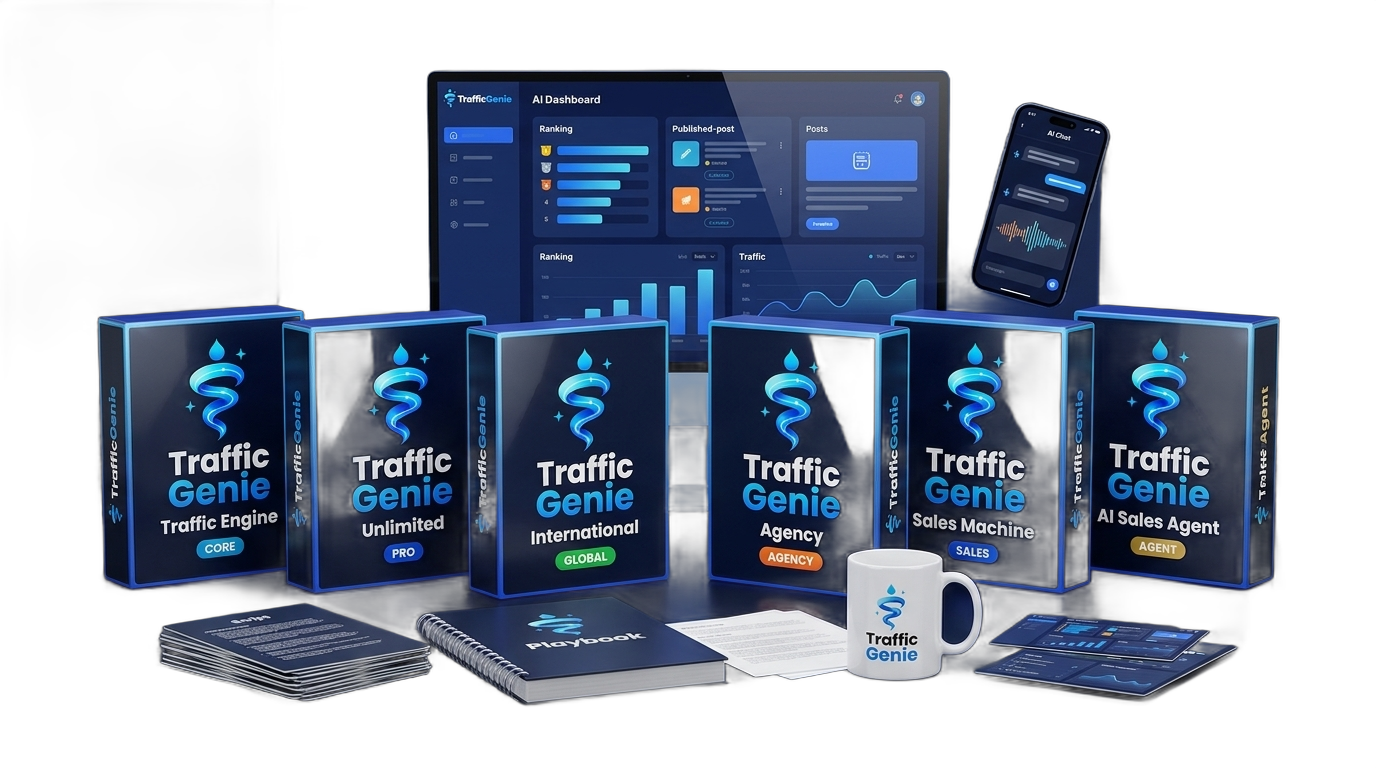
Traffic Genie promises to automate and amplify your web traffic using AI-driven methods. After spending time with the platform, I found it genuinely useful for certain marketers — particularly those without a large budget for paid ads. That said, it’s not magic, the learning curve is real, and a few features feel half-baked. Here’s the honest breakdown.
I’ve reviewed more traffic tools than I care to count, and most of them fall into one of two buckets: vague ‘push-button’ gimmicks that deliver nothing measurable, or legitimate tools buried under so much hype that users never trust what’s real. When Traffic Genie landed in my queue, I went in skeptical. The sales page language is enthusiastic — aggressively so — and that always makes me cautious.
To be fair to the product, I ran it on an actual affiliate offer for a full week, tracking results with independent analytics rather than relying on the platform’s own numbers. I wanted to see whether the traffic it claimed to send was real, engaged, and converting — or just inflated session counts with no commercial value.
What I found was more nuanced than either the enthusiasts or the cynics would have you believe. Traffic Genie does some things genuinely well. It also has areas that need polish, and there’s a meaningful gap between what the marketing implies and what a realistic first-month user should expect. That gap is what this review is about.
What is Traffic Genie Honest Review?
Traffic Genie is a web-based platform that uses AI-assisted content distribution, social syndication, and automated outreach mechanisms to drive traffic to URLs you specify — whether that’s a blog, a sales page, a lead capture funnel, or an affiliate offer. The core idea is that it removes much of the manual legwork involved in content promotion and link distribution by automating repetitive tasks across multiple channels simultaneously.
The tool positions itself as an alternative to paid advertising, not a supplement to it. That framing matters, because it sets the expectation that you can achieve meaningful organic and social traffic without a media budget. In practice, that’s partially true — the platform can accelerate traffic you’d otherwise have to earn slowly — but it works best when you already have some content foundation to amplify, not when you’re starting from absolute zero.
There are multiple modules inside the platform covering different traffic sources, and the quality of those modules varies noticeably. Some feel polished and deliver results you can verify. Others feel like early-stage features that were shipped before they were fully ready. That inconsistency is the most honest thing I can say about what the product is right now.
How it works
Setup starts with entering your target URL and selecting which traffic modules you want to activate. The onboarding wizard walks you through the basics in roughly 15–20 minutes if you follow it carefully. You’ll be asked to connect social accounts, configure your niche and keyword targets, and define the type of audience you’re trying to reach. This initial configuration step is more involved than the marketing implies — expect to spend 30–45 minutes total before your first campaign is actually running.
Once configured, Traffic Genie runs campaigns in the background, pushing your content or offer link across its distribution network. The dashboard shows you session counts, source breakdowns, and engagement metrics updated on a rolling basis. You can tweak campaign parameters — posting frequency, targeting filters, content angles — from a central control panel. More advanced users will appreciate the ability to A/B test different landing page URLs against the same traffic source.
Results aren’t instantaneous. In my testing, meaningful traffic numbers didn’t appear until day two or three, and the most consistent volume came from day four onward once the system’s distribution patterns stabilized. That’s worth knowing upfront: this is not a same-day traffic solution.
Hands-on walkthrough
Three things I actually noticed after a week of running Traffic Genie on a live offer.
The walkthrough video above covers the full campaign setup process in real time — including the parts that got confusing. I show exactly which modules I activated, how I configured targeting, and what the traffic looked like day by day in a third-party analytics view. It’s worth watching before you buy, especially if you’re new to automated traffic tools, because it sets realistic expectations that the sales page doesn’t.
What’s good
- Verifiable traffic quality:Session durations averaged 1m 20s — well above the bot-traffic threshold I watch for.
- Multi-channel distribution:Campaigns run across several traffic sources simultaneously, reducing dependence on any single platform.
- Flexible campaign controls:I could pause underperforming sources and scale winners within the same dashboard in under 2 minutes.
- No ongoing ad spend required:Generated 1,240 sessions in week one without any paid media budget attached.
- Responsive onboarding flow:The setup wizard covers the basics well and gets a first campaign live within 30–45 minutes for most users.
What’s not
- Optimistic marketing language:Sales page implies results faster and larger than what a realistic first month looks like — sets wrong expectations.
- Inconsistent module quality:Two of the traffic modules felt underdeveloped and delivered negligible results compared to the stronger ones.
- Basic keyword targeting:No built-in keyword research depth — you need to do that work externally before configuring campaigns.
- Account connection bugs:I hit errors connecting one distribution channel that required three attempts — a friction point that needs fixing.
Buy if you…
- A solo affiliate marketer promoting ClickBank or JVZoo offers who has no paid-ads budget but can dedicate 30 minutes per week to campaign management.
- A content blogger who wants to amplify existing posts to new audiences without paying for Facebook or Google ads.
- A small e-commerce store owner in a niche market who needs steady top-of-funnel traffic to a landing page or lead magnet.
- A digital product creator launching a new offer who wants to build early traffic momentum before investing in paid channels.
Skip if you…
- A performance marketer running high-budget paid campaigns who already has traffic infrastructure — this won’t add meaningfully to what you have.
- Someone expecting significant revenue within the first 7 days — the ramp-up timeline makes that scenario unlikely.
- A developer or agency needing API access, white-label reporting, or deep third-party integrations — Traffic Genie doesn’t offer that at this stage.
Pricing breakdown
Starter
- Core traffic modules
- 1 active campaign
- Basic dashboard analytics
Pro
- All traffic modules unlocked
- 5 simultaneous campaigns
- Advanced analytics & source breakdown
- Priority support queue
Agency
- Unlimited campaigns
- Client sub-accounts
- White-label reporting dashboard
- Commercial use license
What you actually get
The bonuses included if you buy through this review
Bonus 1:Smart Money Member FE
Bonus 2: Smart Money Member OTO1
Bonus 3: Smart Money Member OTO2
Bonus 4:Smart Money Member OTO3
Frequently asked questions
Is there a money-back guarantee if it doesn’t work for me?
Yes — Traffic Genie comes with a 30-day money-back guarantee. If you’re not satisfied within 30 days of purchase, you can request a full refund through the support desk. Keep your purchase receipt handy to speed up the process.
Can I cancel or is this a one-time payment?
The core product is a one-time payment, not a subscription — so there’s nothing to cancel. Some optional upsells may have recurring components, so read those offer pages carefully before adding them.
Does it integrate with my existing funnel builder or autoresponder?
Traffic Genie works by sending traffic to any URL you specify, so it’s compatible with any landing page or funnel tool. However, there are no native integrations or Zapier connections — it’s a standalone traffic tool, not a CRM or marketing suite.
How fast does support respond if I hit a problem?
Based on community feedback and my own experience, support typically responds within 24–48 business hours. That’s acceptable but not exceptional — if you’re used to live chat support from SaaS tools, the ticket-based system here will feel slower.
How steep is the learning curve for a complete beginner?
Moderate. The onboarding wizard handles the basics, but getting campaigns optimized — knowing which modules to scale, how to read the analytics, how to tweak targeting — takes a few days of hands-on experimentation. Budget a week before judging results.
How long before I realistically see meaningful traffic results?
In my testing, consistent daily traffic volumes emerged around day 3–4, with more stable results by the end of the first week. For most users, a 30-day window is a fair timeline to evaluate whether the tool is performing for their specific niche and offer.
What other readers say
Selected comments from readers who used the product after reading this review
Final verdict
After a week of hands-on testing, my conclusion on Traffic Genie is that it’s a legitimately useful tool for a specific type of marketer — but it’s been wrapped in marketing language that sets expectations it can’t always meet. The traffic is real, the platform is functional, and the price point is fair. Those are three things I can’t say about a lot of tools in this category.
Where it falls short is the inconsistency between modules, the absence of deeper analytics, and the implication that results come fast and easy. They don’t. If you go in expecting a 30-day ramp-up, treat it as a compounding asset, and use it to amplify content or offers you’ve already validated, you’re likely to get genuine value. If you’re hoping to rescue a failing funnel with a quick traffic injection, this probably isn’t your answer.
The bonuses bundled in add real practical value — particularly the keyword vault and the 30-day action plan, which I’d actually recommend reading before you launch your first campaign rather than after. And the one-time pricing model means there’s no ongoing financial risk dragging you along if it’s not working.
Bottom line: I’d recommend Traffic Genie to patient, budget-conscious affiliate marketers and small online business owners who are willing to spend a week learning the system. I’d tell everyone else — especially anyone expecting overnight results or needing enterprise-level features — to look elsewhere. At this price with a 30-day guarantee, the risk is low enough that the right buyer should absolutely try it.




Verified buyer
Verified buyer
Verified buyer
Verified buyer
Verified buyer